







What is included in a turnkey smart home system
A smart home is not a set of disparate gadgets, but a connected network of devices with shared control. Let's break down what a turnkey service consists of: subsystems, stages and the boundaries of the contractor's responsibility.
What subsystems a smart home consists of
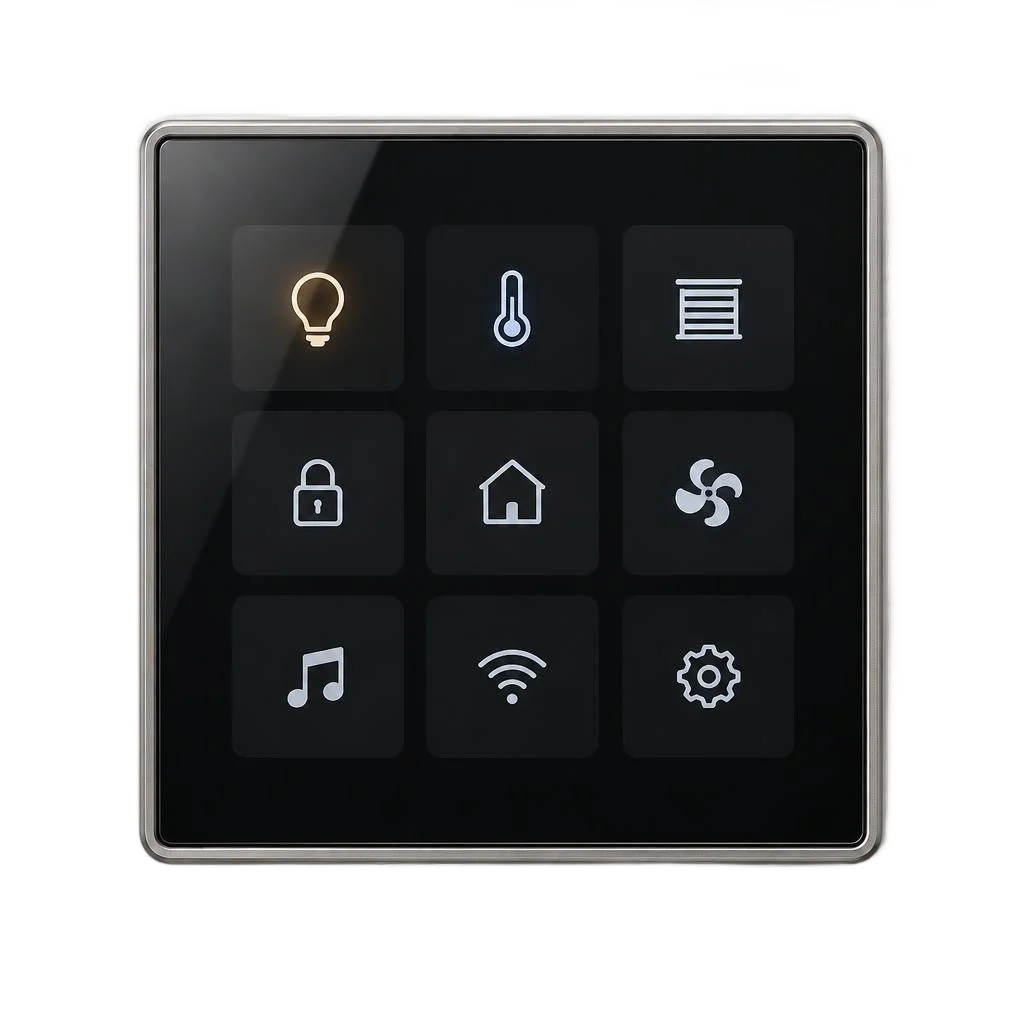
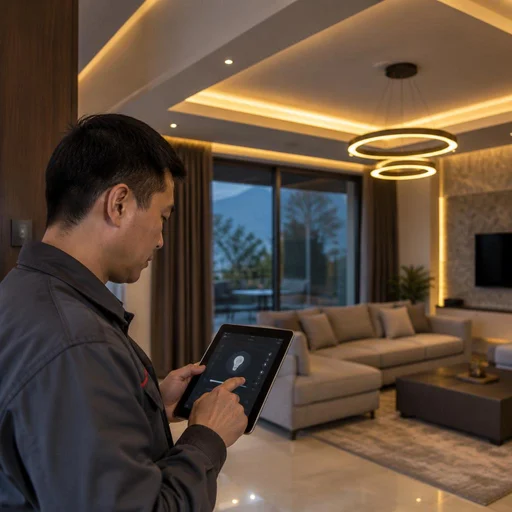
- Lighting: switches, sockets, dimmable lamps and LED strips, combined into scenarios triggered by time, motion sensor or command.
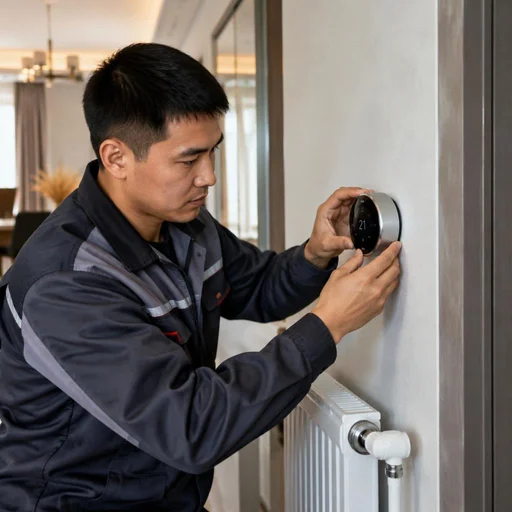
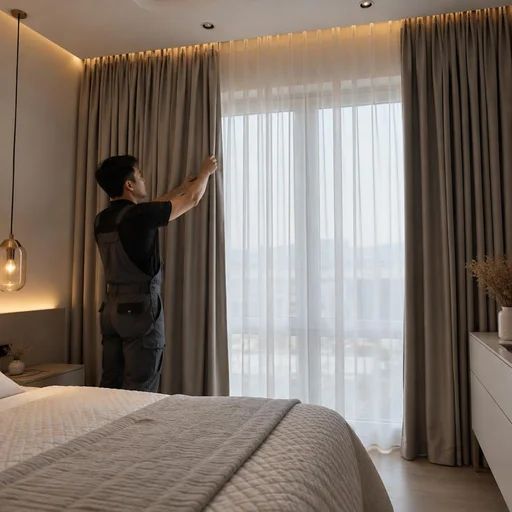
- Climate: a programmable thermostat, air conditioner control and curtain automation — maintaining temperature without manual adjustments.
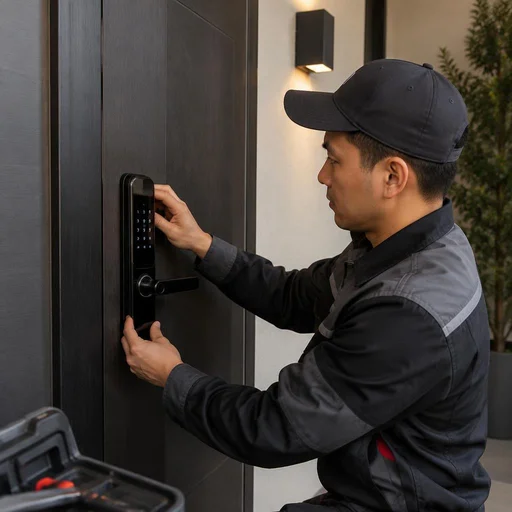
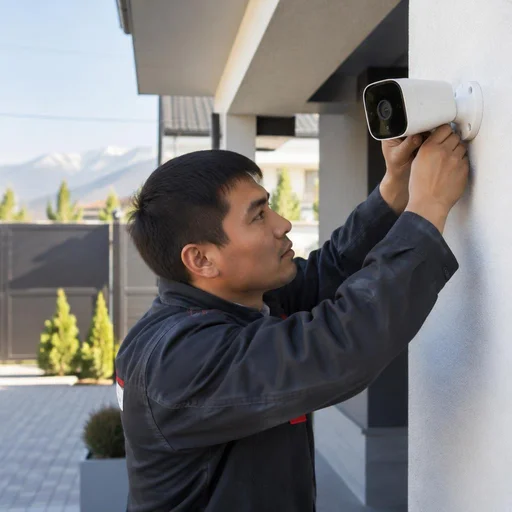
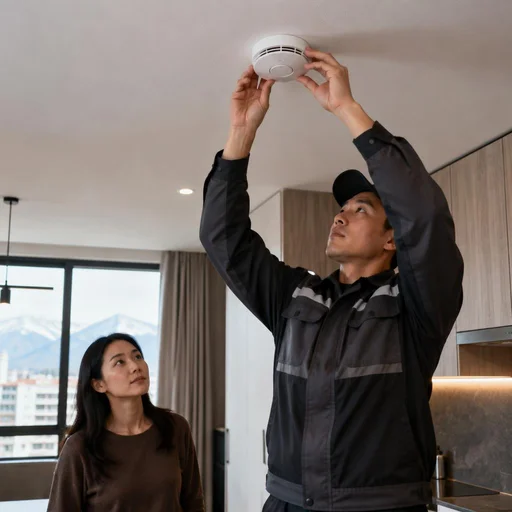
- Security and access: an electronically controlled lock, video surveillance with remote access, smoke and gas sensors.
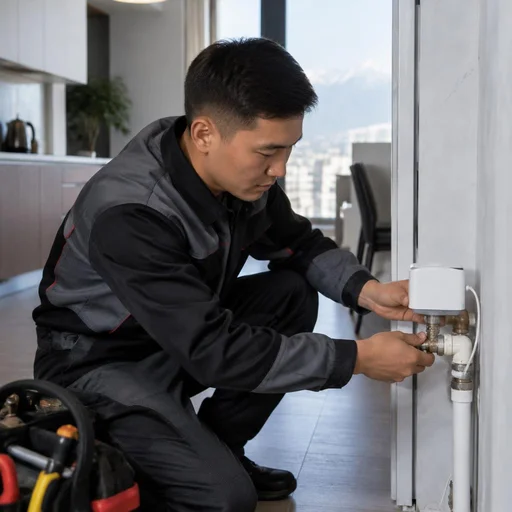
- Accident protection: a water leak sensor that shuts off the supply and sends a notification to a smartphone.
- Core: a central controller to which all subsystems are connected and through which control passes.
Stages of work: from audit to commissioning
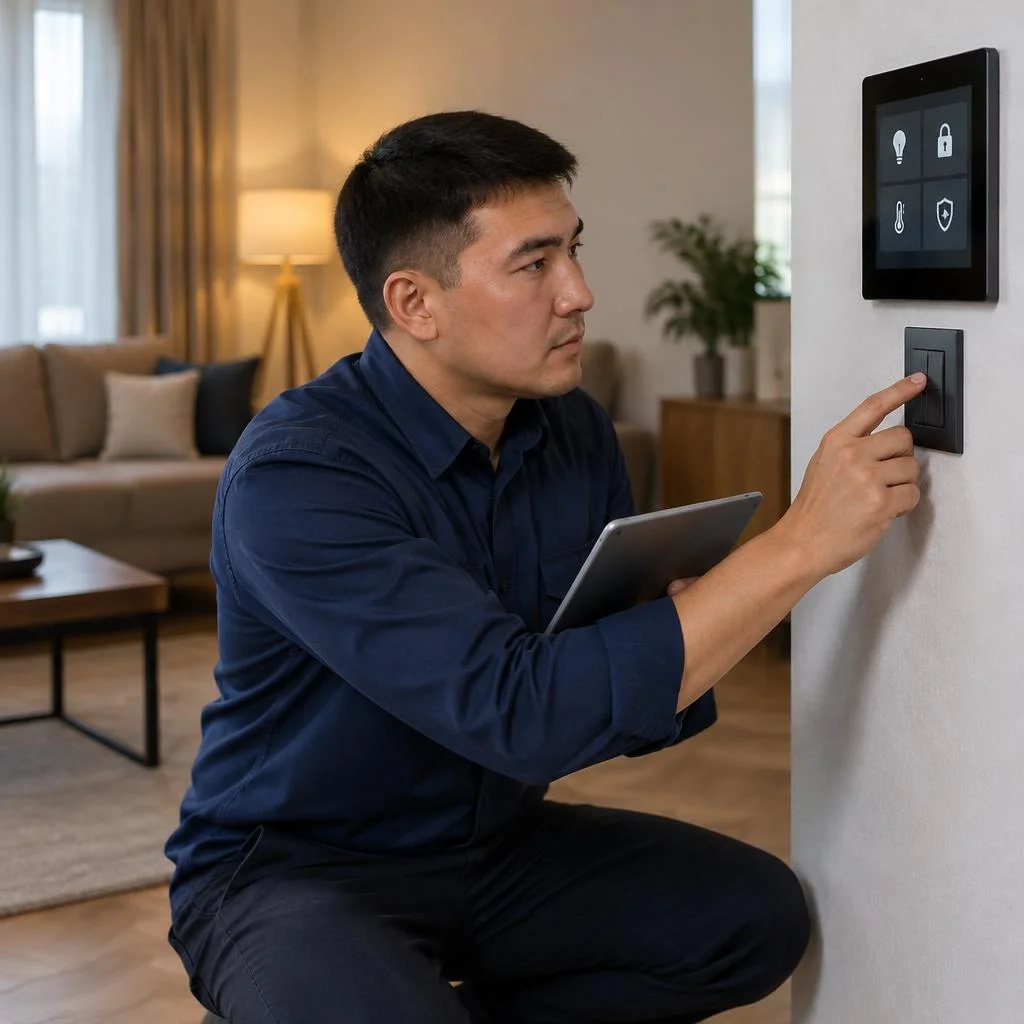
A smart home system goes through five stages: site audit, design, installation, scenario setup and commissioning. During the audit, a specialist inspects the layout, the panel and connection points, and determines where the cable will run without unnecessary intervention in the walls. During design, communication protocols and scenarios are selected for the residents' needs; during installation, the controller, relays in the panel, switches, sockets, sensors and video surveillance are installed. Scenario setup programs lighting, climate, security and voice control; commissioning tests each subsystem under load and hands the system over to the owner with training. Clients often ask about the budget even before visiting the site — a cost estimate guideline is needed in advance. An audit before installation saves budget — it shows where the cable will run and which devices will connect without wall chasing.
What "turnkey" means and how it differs from staged installation
Comprehensive turnkey installation means a single contract for the entire cycle — from design to launch, without involving third-party installers. The designer, installer and commissioning engineer are employees of the same service, so the plan and the implementation do not diverge. With a staged order, the client coordinates the contractors themselves, and responsibility for device incompatibility falls on them; with turnkey work, a single contractor handles the integration of devices into a single network. In our practice, a common cause of failures is a controller of one protocol and sensors of another, bought in different places. Checking compatibility before purchasing equipment removes this risk: Tuya and Aqara are brought into one app only if the controller supports the required protocol. The cost depends on the number of subsystems and the layout, not on the number of individual devices.
Which devices can be connected in one system
| Subsystem | Devices | What it automates |
|---|---|---|
| Lighting | dimmable lamp, switch, socket | turning on by schedule and motion sensor |
| Light scenes | controllable LED strip | brightness and color by time of day |
| Climate | programmable thermostat, air conditioner | temperature and ventilation |
| Windows | motorized curtains | darkening and morning wake-up |
| Access | electronically controlled lock | opening by code and smartphone |
| Security | video surveillance, smoke and gas sensor | recording and notification on event |
| Accident protection | water leak sensor | shutting off water and notification |
Calculation by subsystems: the more sensors and scenarios, the higher the total, but the basic package is assembled from a controller, lighting and leak protection.
Design and audit: how a system diagram is born
The design determines how many devices the network can handle, where the lines will run, and which communication protocol suits the property. We break down how a diagram is prepared for a specific apartment or house — from the first site visit to finished drawings.
Property audit: what a specialist checks
- Layout and wall materials: we note load-bearing and drywall partitions — this determines whether the Zigbee signal will reach the far room or not.
- Electrical panel: we check the number of free modules, the main circuit breaker, and the space for smart relays — without spare modules, there's nowhere to put some of the devices.
- Connection points: we record sockets, switches, and outlets for light fixtures to understand where smart switches are needed and where a relay in the panel will suffice.
- Wi-Fi and Zigbee coverage zones: we measure the signal level in each room and on the balcony — a weak zone is identified precisely at this stage.
- Client's tasks: we clarify which scenarios are needed every day — motion-sensor lighting, climate control, video surveillance, or all at once.
Designing the system for the layout and tasks
Smart home system design takes into account the layout, the number of rooms, and the scenarios the client needs every day. On the diagram we mark every sensor, relay, and power point: for a two-room apartment in Bishkek this is usually 12-18 devices, for a house of 150-200 m² — 35-50. A separate sheet shows the routing of communication and low-voltage lines so installers don't drill walls blindly. The "left — lights went out, lock closed" scenario is designed together with the motion sensor and smart lock, not added afterward: otherwise the logic won't work because the controller won't see the required event. At the design stage we agree with the client on the list of protocols — Zigbee for sensors and lamps, Wi-Fi for cameras and the thermostat, KNX where wired reliability is needed. At this stage the client receives a finished diagram, not a set of disparate devices.
Do walls need to be chased during installation
Chasing walls is only needed for wired systems of the KNX level; wireless solutions on Zigbee and Wi-Fi are installed without opening up walls. Smart relays are hidden in back boxes and the electrical panel, sensors are mounted with double-sided tape or a screw, and smart lamps are screwed into existing sockets. For an apartment with a finished renovation, this is the only way to avoid dust and restoration work. Smart home installation on wireless protocols takes less time but requires stable power at the relays: if a back box has no neutral or the line is overloaded, this is recorded in the design in advance. The wired KNX option chases walls for cable, but doesn't depend on radio interference and works for decades without replacing batteries. That is precisely why smart home installation on wireless protocols suits properties with a finished renovation, where opening up walls is unacceptable.
Smart home system installation: what is installed and how
Installation is the most extensive stage of the project: this is where the controller, relays, lighting and security devices appear. Below we break down what and how is installed at the site and which communication protocol is selected for a specific task.
Central controller and smart relays in the panel
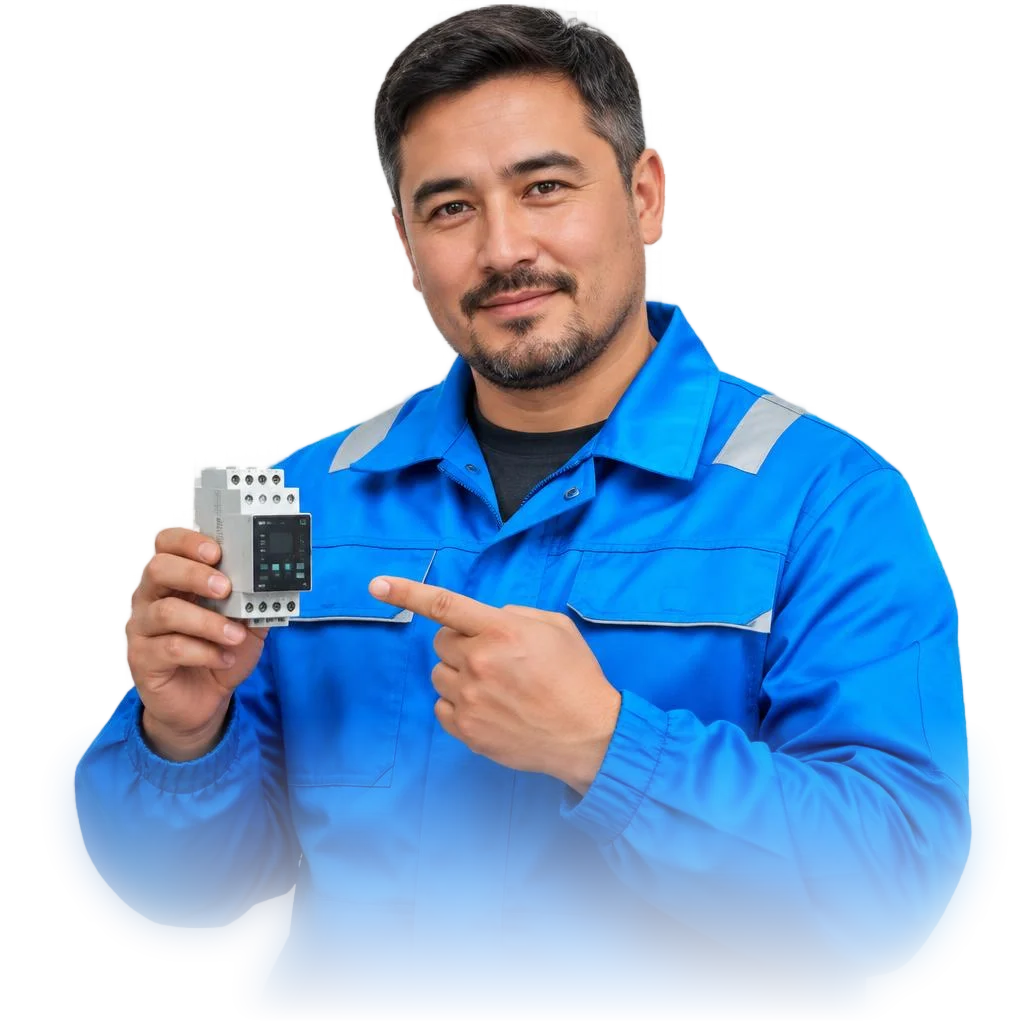
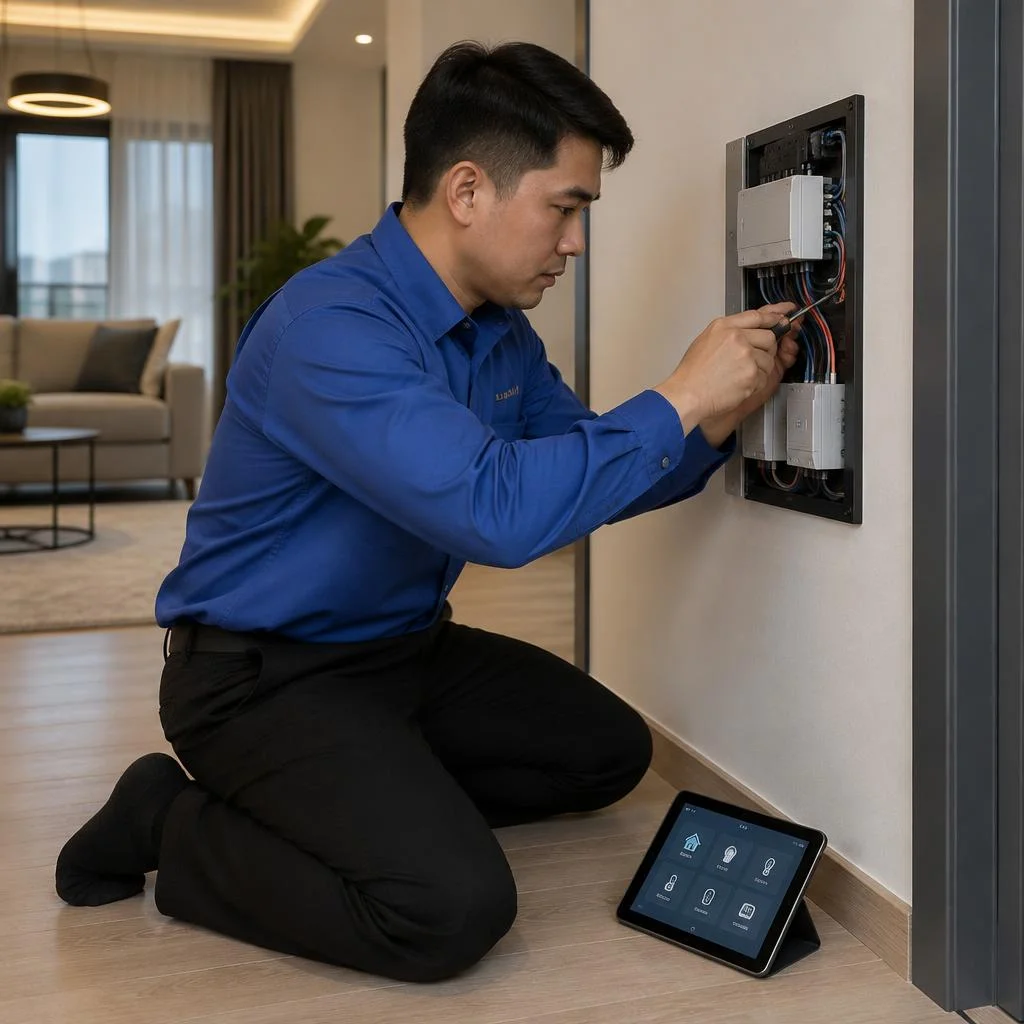
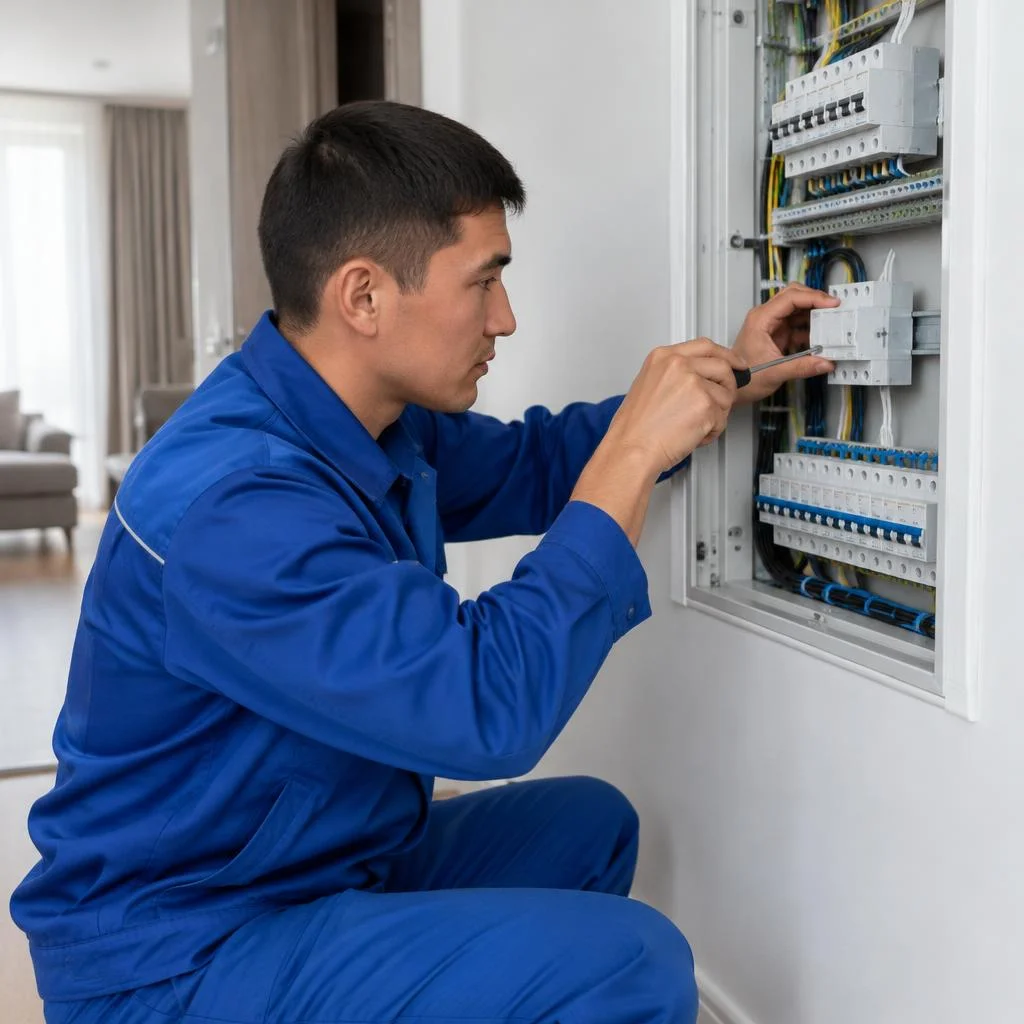
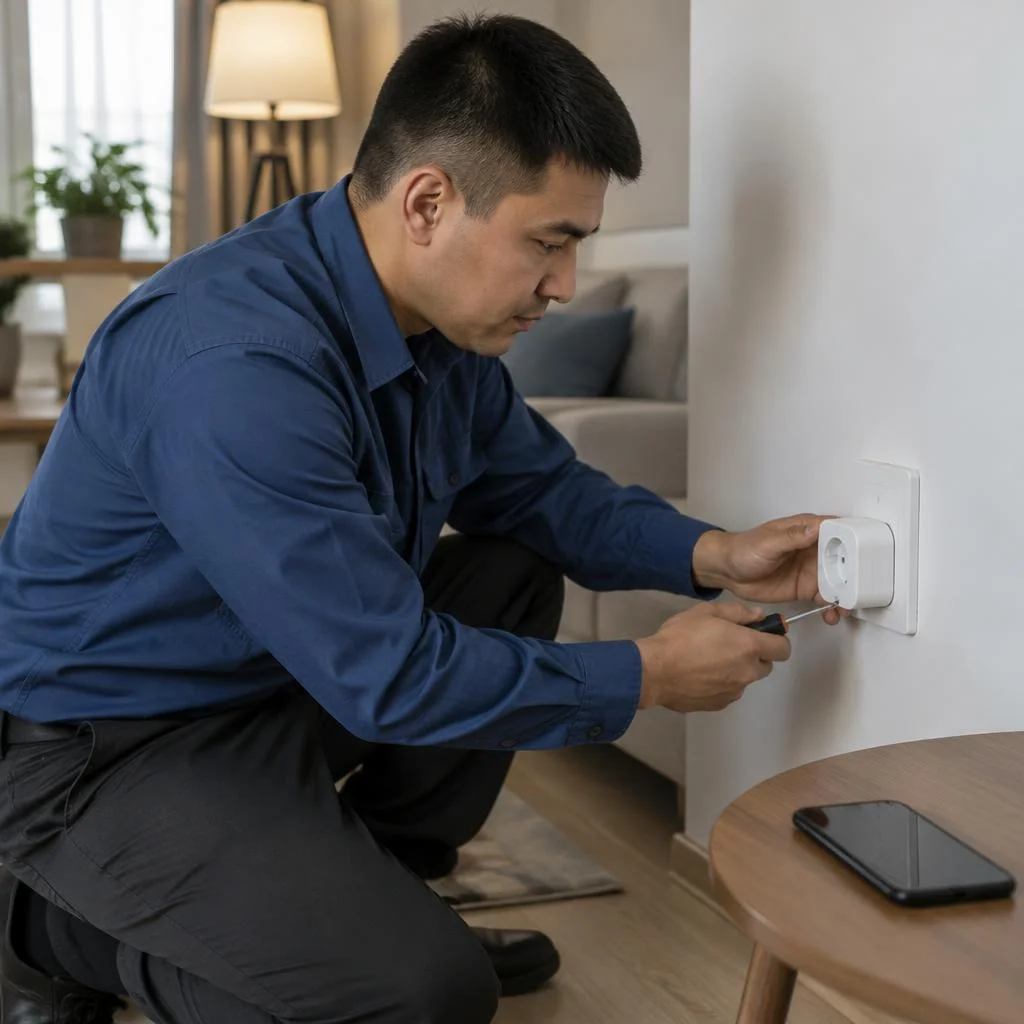
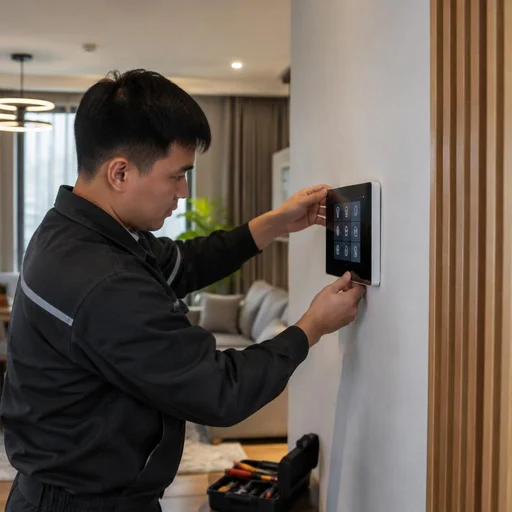
Eco-Service installs the central controller as the core of the system and mounts smart relays directly in the electrical panel to control lights without replacing the wiring. The controller links Zigbee modules, Wi-Fi devices and wired lines into a single network, while DIN-rail relays handle the switching of lighting groups — from 2 to 16 channels per module depending on the model. In apartments of 60-90 m², one controller and two or three relays are usually enough; in houses of 200 m² and more, distributed modules are installed per floor. Smart home system installation begins precisely with the panel: the relays keep the usual switches working, and if the app is unavailable, the lights can still be turned on manually.
Lighting: switches, sockets, lamps and strip
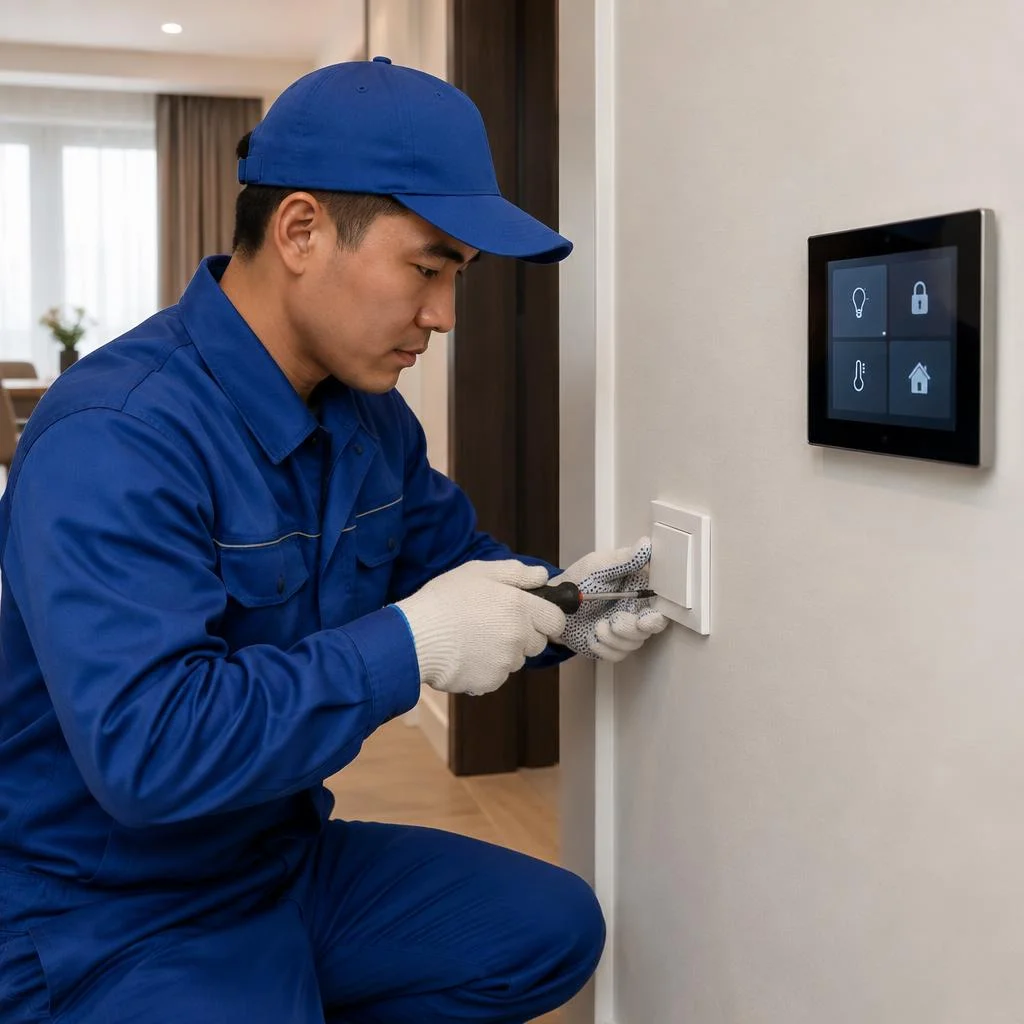
- Smart switch: installed in place of a regular one in the same back box, works by touch, via the app and by voice command.
- Smart socket: measures consumption, turns off the appliance on a timer or scenario — convenient for an iron, heater, charging blocks.
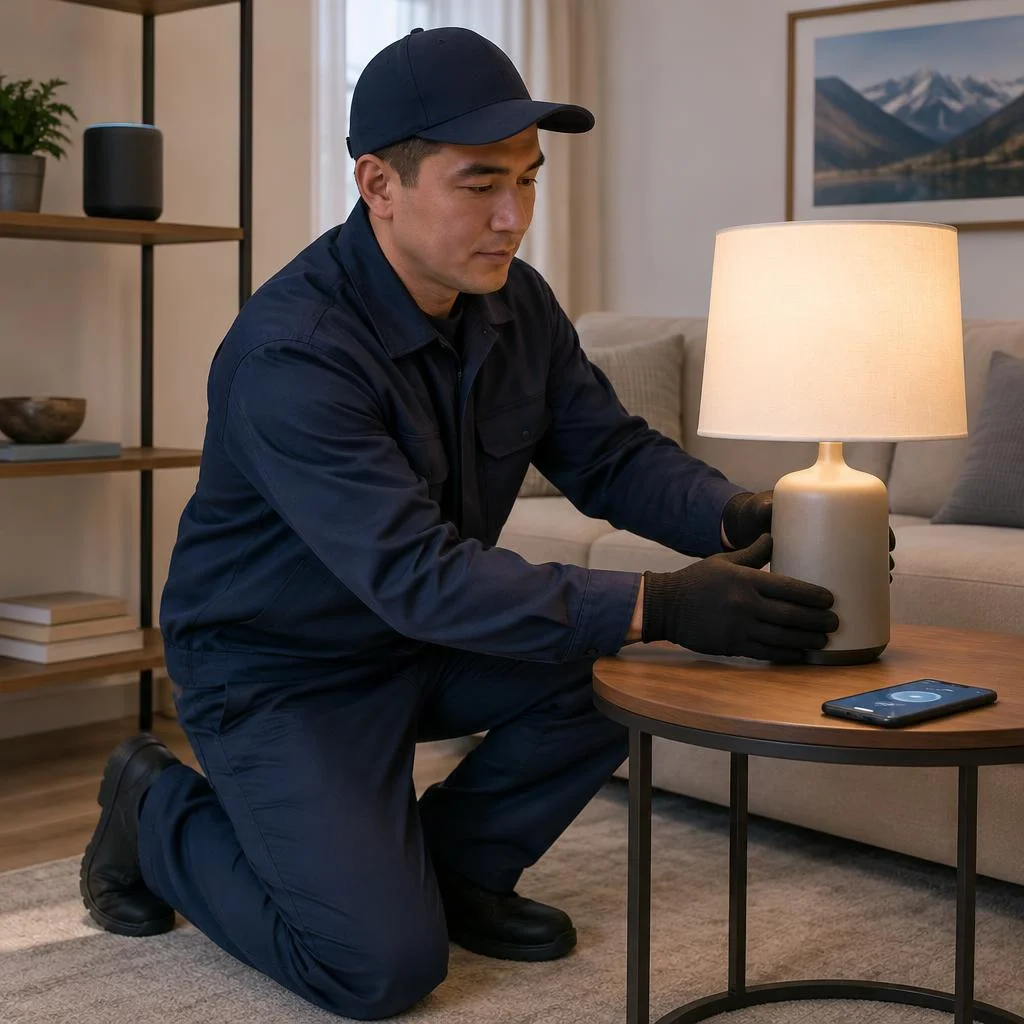
- Smart lamp: changes brightness and color temperature in the 2700-6500K range, no separate dimmer in the panel is needed.
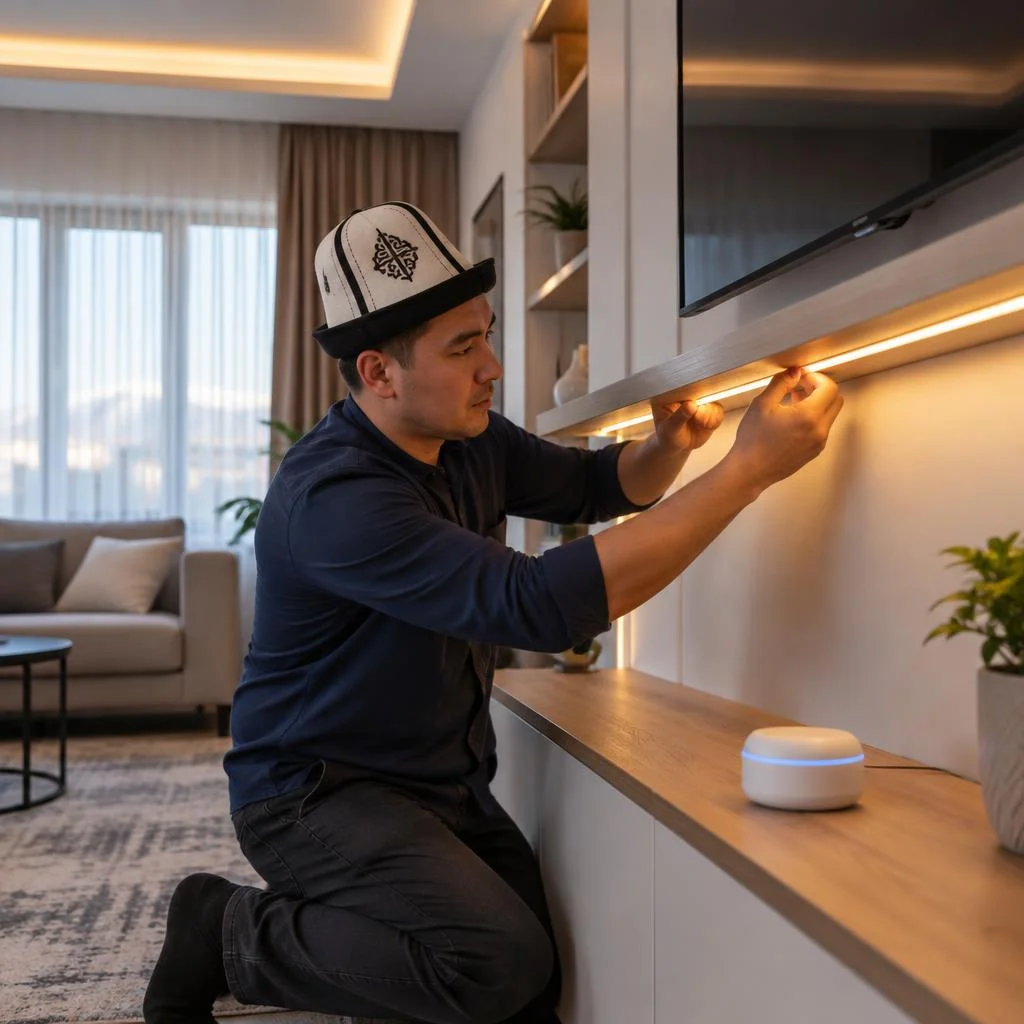
- Controllable LED strip: mounted in a niche or aluminum profile, cut to length, controlled by a controller with a wide palette of shades.
- Motion sensor for light: turns on the lighting in the hallway, bathroom and walk-in closet without touching the switch.
Security: lock, video surveillance, sensors
Eco-Service installs a smart lock, video surveillance with remote access and smoke, gas and water leak sensors in a single security loop. The smart lock is installed on the entrance door in place of the mechanical cylinder or over it, opens by code, fingerprint, card and via the app — if communication is lost, a physical key remains. Cameras are connected via PoE or Wi-Fi, record to a local 1-4 TB recorder or to the cloud, and access is opened from a phone from anywhere. The smoke and gas sensor is installed on the kitchen ceiling and in the boiler room, the water leak sensor — under the sink, washing machine and boiler. A water leak sensor is useful only together with a shut-off valve — otherwise it will report an emergency but will not stop the water.
Climate and curtains: thermostat, air conditioner, window automation
We install a smart thermostat, air conditioner control and smart curtains, linking them into climate control scenarios. The thermostat connects to a gas boiler or electric convector and maintains the temperature on a schedule: 21°C in the morning, 18°C at night, 16°C when away. The air conditioner gets an IR module or Wi-Fi adapter and turns on 20 minutes before arrival so that the room has already cooled down by the evening. Smart curtains on an electric curtain track open by alarm and close at sunset, while a motion sensor in the hallway turns off the lights if no one is home. Clients often search for turnkey smart home installation — and get exactly the full cycle: from thermostat to curtain track. Smart home system installation begins with calculating heat loss by room, and only after that are the models of thermostats and curtain track drives selected. The thermostat and air conditioner work more efficiently when the curtains close based on a sun sensor — the room heats up less, and the equipment reaches maximum output less often.
Communication protocols: Zigbee, Wi-Fi and KNX — which to choose
| Protocol | Connection type | What it is suitable for |
|---|---|---|
| Zigbee | Wireless, mesh network | Apartments and houses up to 300 m², Aqara, Tuya, Smart Life devices |
| Wi-Fi | Wireless, point-to-point | Individual sockets, lamps, cameras without a shared network |
| KNX | Wired, bus | Houses from 200 m², offices, projects with a design budget |
| Z-Wave | Wireless, mesh network | Sensors and locks where low latency and a weak signal nearby are required |
You can mix protocols in a single system, but a gateway adapter adds latency — for critical scenarios such as alarms, a single protocol is chosen. Eco-Service selects the protocol for the property: Zigbee — for wireless apartments, Wi-Fi — for simple devices, KNX — for wired premium systems. Turnkey smart home installation includes design, installation and commissioning, and integrating devices into a single network is a separate stage that completes the work at the property.
Smart Home Scenarios: How the System Works Every Day
The value of a system is not in the number of devices, but in the scenarios that run on their own — without commands or reminders. Let's look at which scenarios are set up in everyday life and how to manage them.
Lighting and Presence Scenarios
- Morning wake-up: a smart LED strip gradually turns on 15 minutes before the alarm, simulating sunrise in the bedroom.
- Hallway by motion: a motion sensor for lights turns the light on at 30% brightness at night and at full brightness during the day.
- Presence zones: a smart lamp in the study turns off if there is no movement in the room for 10 minutes, while in the children's room it stays on.
- Evening scenario: by 11:00 PM the light switches to a warm 2700K spectrum, the curtains close, and the bedside lighting stays at minimum.
- Vacation: when the owners are away, lights turn on according to a random schedule in three rooms, creating the effect of presence.
- Turn-off delay: in the hallway it is set manually — with the standard 30 seconds the light goes out while the person is still in the room, so for long passage areas 90-120 seconds are set.
Control from a Smartphone and by Voice
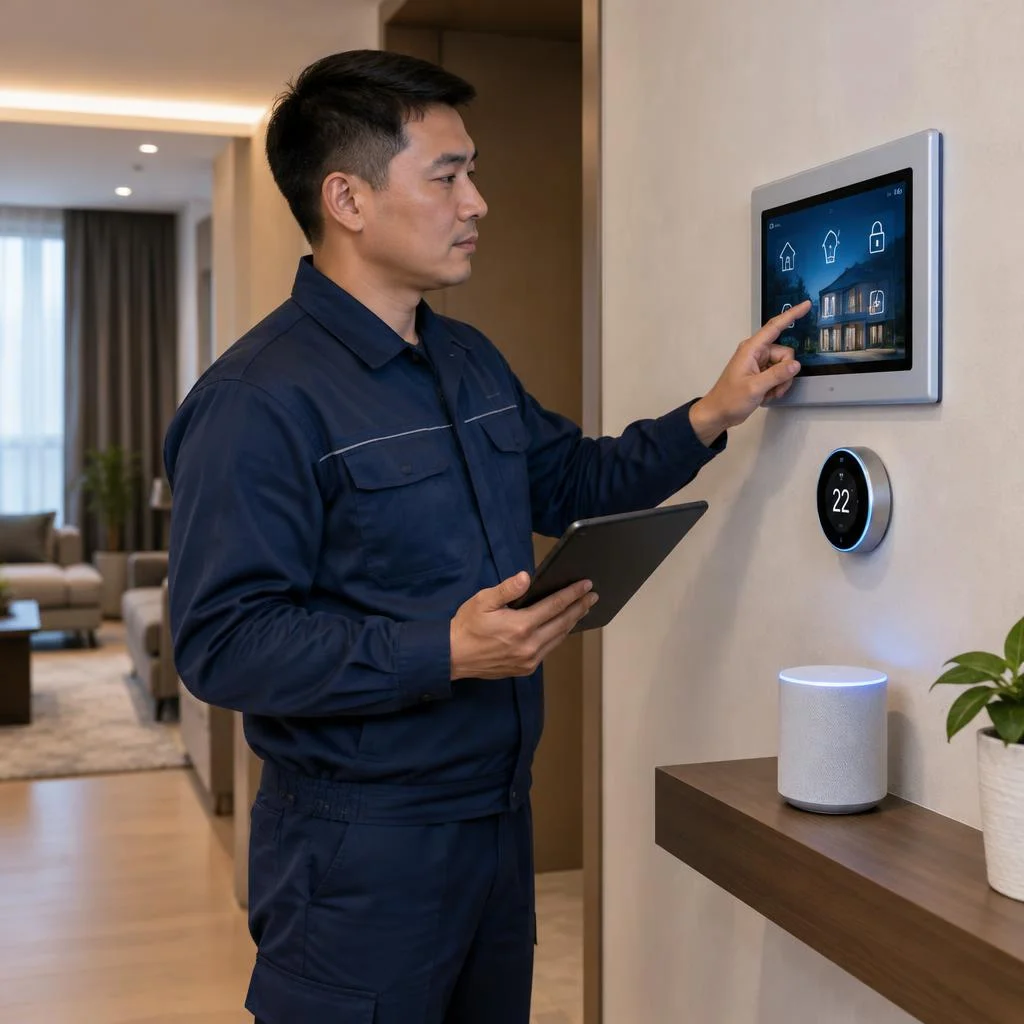
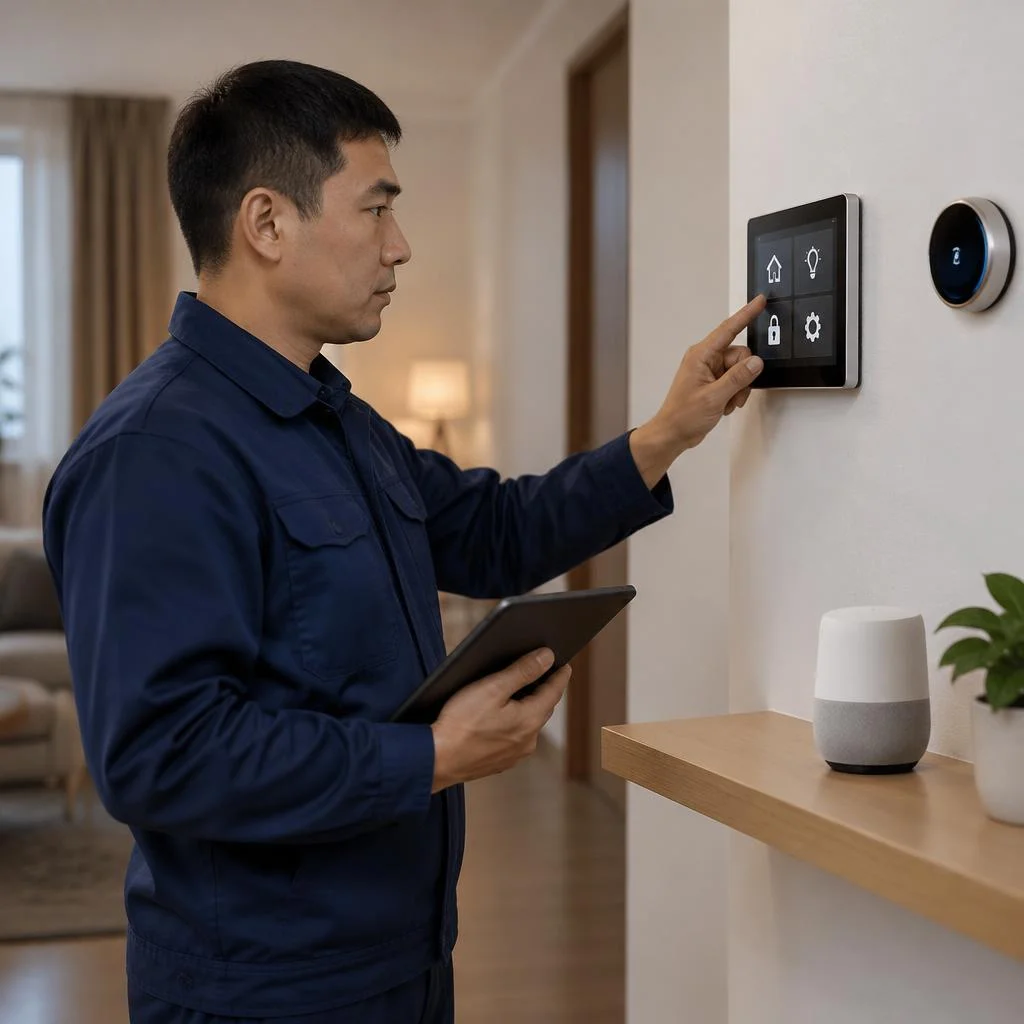
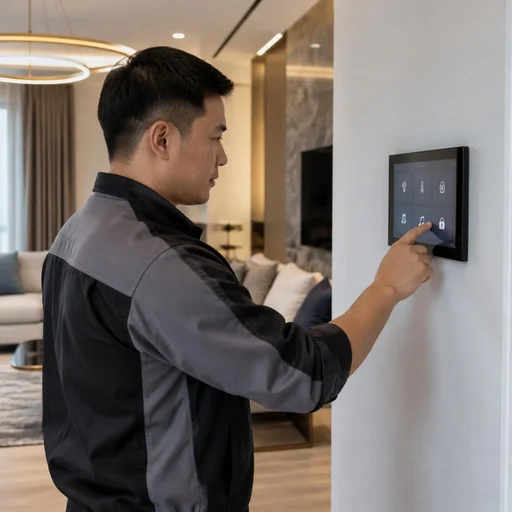
Voice control and the mobile app in a smart home system are set up so that you can control lighting, climate, and locks from a smartphone from anywhere — from the office, from the car, from another city. This works through the Smart Life or Tuya apps: the controller links Zigbee devices into a single network, and the app shows the status of each sensor and allows you to run scenarios manually. Voice commands in Russian are recognized more accurately if devices are named by room — "light in the kitchen" works more reliably than "lamp 2," because the assistant ties the command to the room rather than to an abstract identifier. Clients often phrase the request as smart home system installation — and in this case they mean a complete set with a controller, sensors, and an app, not just a single light bulb. In our practice, it's worth starting with three or four voice commands for the most frequent actions — the rest will be added as you get used to it.
Security and Emergency Protection Scenarios
In security scenarios, smoke, gas, and water leak sensors are linked to notifications and automatic shutoff: when a leak sensor is triggered, the controller closes the ball valve and sends a push notification to the app. A smart lock and video surveillance with access are connected to the same logic — when armed, cameras start recording on motion, and the lock is engaged. A leak notification arrives faster if the sensor is connected to the same network as the controller: separate apps delay the signal by 20-40 seconds, while a linked system responds almost instantly. Many search for smart home installation price to understand the budget in advance, but the final estimate is made up of the number of rooms, the type of wiring, and the set of sensors — it's better to calculate it after an engineer's site visit. In hallways and in the kitchen, it's better to install a smoke and gas sensor at a distance of at least one meter from the stove — otherwise steam and grease cause false triggers.
2-Year Warranty, Service Center and Support in Bishkek
After commissioning, the system remains under support: we explain exactly what the warranty covers, how our own service center operates, and the procedure for handing over the facility to the customer.
What the 2-Year Warranty Covers
Eco-Service provides a 2-year warranty on the installation and equipment of the smart home system — this applies to the central controller, the relays in the panel, and the sensors. The contract records a single list of devices: switches, sockets, thermostat, lock, cameras, and Zigbee modules are included in one warranty sheet rather than being split by different terms. When a request is made, the engineer first remotely retrieves the controller logs via the mobile app, and only goes to the site in the event of a hardware error. The warranty remains valid if the settings are changed by a service center specialist: independently reflashing the controller or third-party editing of scenarios may void it.
Our Own Service Center in Bishkek
Eco-Service has its own service center in Bishkek, where you can bring a device in person or call a specialist to the site. The address and reception hours are listed in 2GIS and Google Maps, so you can get there without a clarifying call. As a direct supplier, we keep popular items in stock — relays, leak and smoke sensors, communication modules — and replace them on the day of diagnostics rather than waiting weeks for delivery. In-person reception speeds up diagnostics: a faulty relay or controller is checked on site rather than sent to another city. Before your visit, take a photo of the error in the app — from the screenshot, the engineer will determine in advance whether a replacement or reflashing is needed.
How Commissioning and System Handover Work
- Scenario testing: we run through lighting, climate, curtains, and security one by one, record response delays, and eliminate conflicts between sensors.
- Communication test: we check the stability of Zigbee and Wi-Fi at far points — in the pantry, on the balcony, in the garage — and add a repeater if the signal drops.
- Access handover: we set up the mobile app on the phones of all family members, configure voice control and permission levels for guests.
- Backup: we save the controller configuration to a flash drive and to the cloud, so that in the event of a power failure, recovery takes minutes instead of reconfiguring from scratch.
- Documentation: we hand over device passports, the warranty sheet, and the panel diagram — using it, smart home installation during expansion proceeds without repeat diagnostics.
Smart Home Installation Price and How to Submit a Request
The final price of smart home installation consists of design, installation, and commissioning — we calculate the exact estimate after auditing the facility, because the number of light points, sensors, and cameras differs for each apartment. In our practice, installing a Smart Home system rarely fits into a single visit: first the installers mount the panel and run the lines, then the engineer configures the scenarios, and only after that is the handover act signed. Warranty requests are submitted through the same channel as an installation request: a request via Telegram or a call to the service center, with the number assigned to the facility. Keep the commissioning act and a photo of the panel — with them, the technician finds the right circuit in a couple of minutes instead of going through the entire diagram again.
How to choose a smart home installation contractor in Bishkek
The Bishkek market includes both independent technicians and full-cycle integrators. Here's what to look for so the system works and is maintained after handover.
Signs of a reliable contractor
- Direct supplier: the company purchases controllers, relays and sensors directly from vendors rather than reselling someone else's stock with a middleman's markup.
- Own service center: the integrator has a workshop in Bishkek where you can bring a device for diagnostics instead of looking for a third-party repair shop.
- Written warranty: the term is fixed in the contract for both labor and equipment — 2 years, not "depending on the situation."
- Design before installation: before work begins, the contractor shows the panel diagram, sensor layout and scenarios rather than improvising on site.
- Portfolio of projects: look at completed apartments and houses in Bishkek, not renders from a vendor's catalog.
Independent technicians or an integrator: what to choose
An independent technician is cheaper for installation, but an integrator is responsible for the entire project — from device compatibility to commissioning. A technician typically installs one subsystem: switches, a lock or cameras. When three or four such contractors pile up, the junction of Zigbee and Wi-Fi protocols falls on the owner. A company, on the other hand, selects equipment to fit the layout, brings everything into a single network and configures scenarios in the mobile app — from evening lighting to leak response. When ordering in stages from different technicians, areas of responsibility blur: a scenario failure is blamed on the equipment rather than the installation, and you have to sort it out yourself. Clients often phrase the task as smart home installation — and from such a request the integrator immediately understands that a unified project is needed, not a set of disparate jobs. If the budget is limited, it's wiser to hire an integrator only for design and commissioning, and give the socket installation and wall chasing to a local crew working to their plan.
What questions to ask before signing the contract
- Scope of work: clarify whether design, installation, integration of devices into a single network and system commissioning are included or are separate stages.
- Warranty: ask for 2 years on installation and equipment to be specified, not just on devices from the manufacturer.
- Service center: ask for the address of the workshop in Bishkek and the diagnostic turnaround time for warranty claims.
- Firmware updates: clarify who updates the controller and relays after handover and whether this service is paid.
- Training: ask them to show you how to configure scenarios in the app so you can change them without calling a technician.
Conclusion
Smart home system installation is a sequence of four stages: audit, design, installation and commissioning. Below are brief takeaways worth keeping in mind before starting work.
Key takeaways
- Design before installation: the layout-specific diagram and scenarios are created before purchasing equipment — otherwise some devices won't be compatible by protocol.
- Protocol for the task: Zigbee and Wi-Fi cover an apartment, KNX is justified in large areas and in houses with extensive automation.
- Scenarios matter more than hardware: well-thought-out lighting, climate and leak protection deliver more everyday benefit than the number of connected sensors.
- Two-year warranty and service: choose a contractor with its own service center and a contract that specifies timelines and areas of responsibility.
- On-site testing: run each scenario together with the technician before signing the acceptance report — that way installation errors surface immediately rather than a month later.