











Which motion sensors we install: types and technologies
The type of sensor is determined by the task: the mounting surface, the nature of the room and the detection technology. Installation covers all the main categories — from surface-mounted models to combined ones that work in conjunction with lighting and a smart home.
Surface-mounted, recessed and ceiling sensors: how they differ in installation
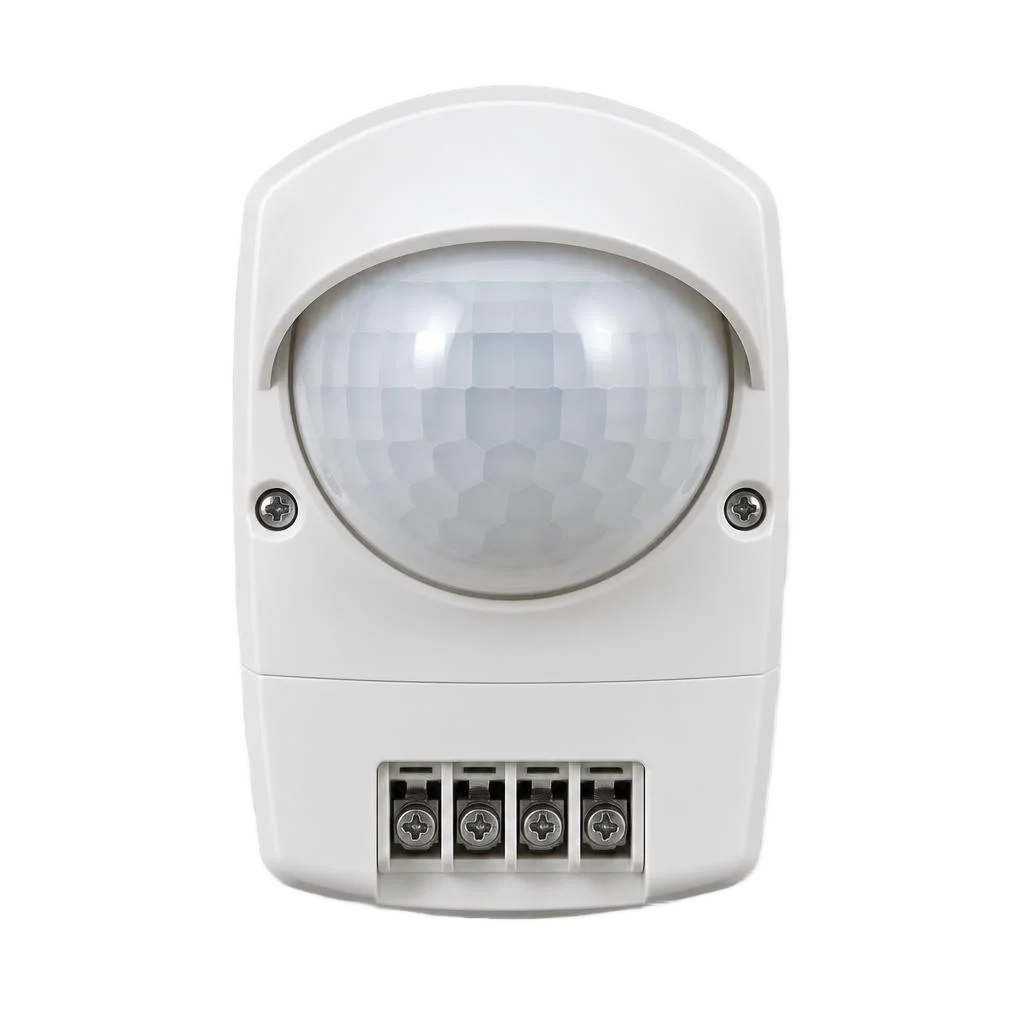
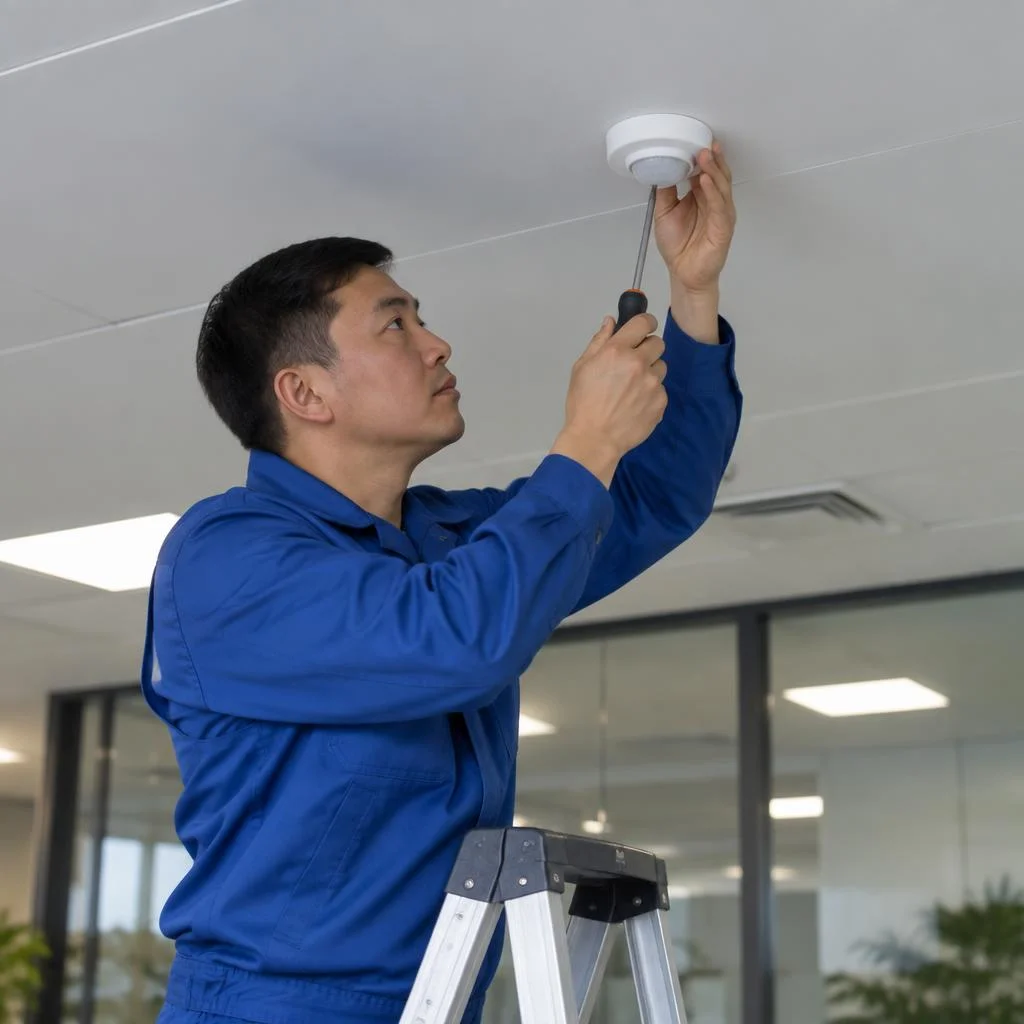
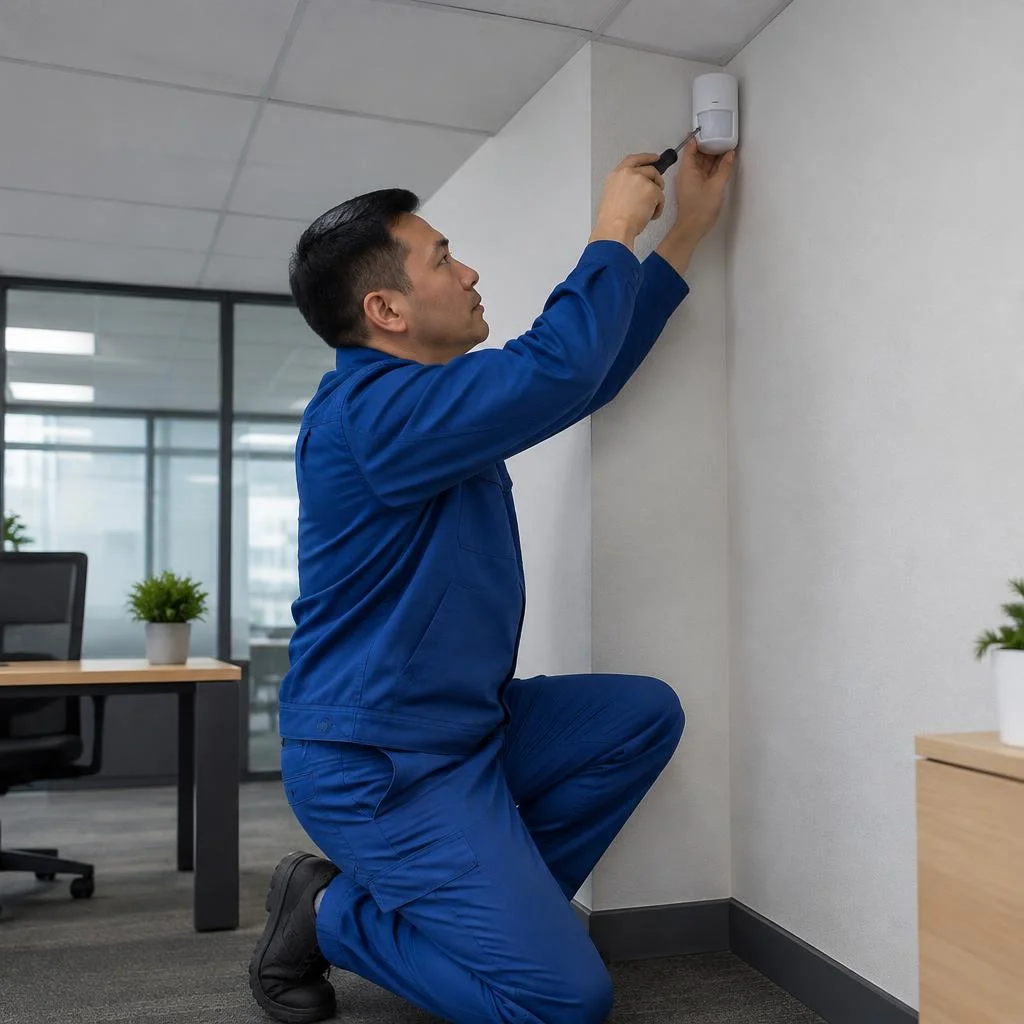
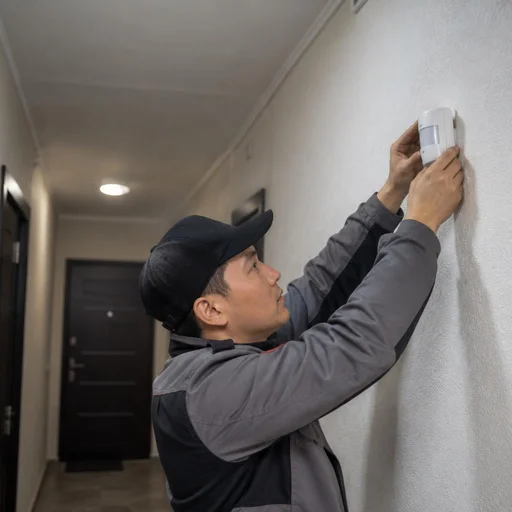
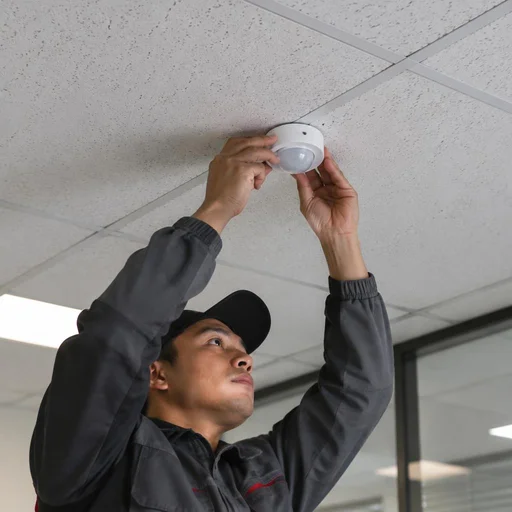
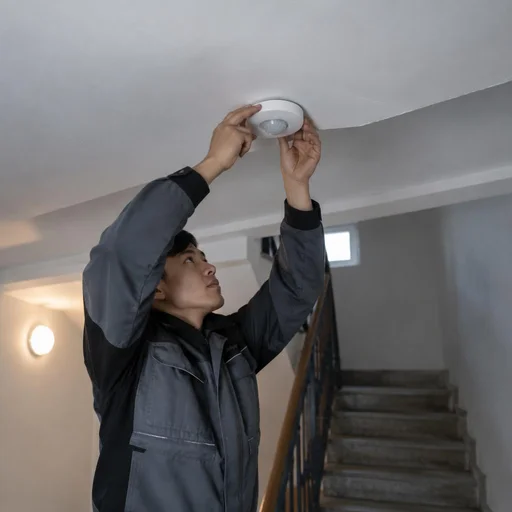
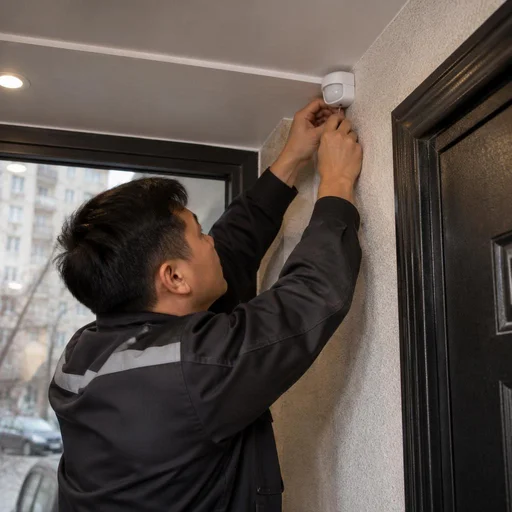
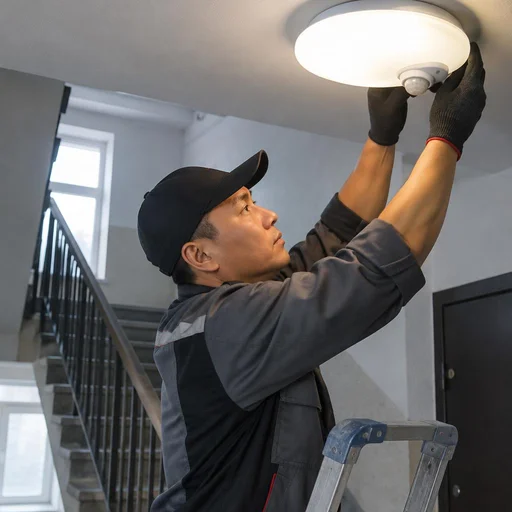
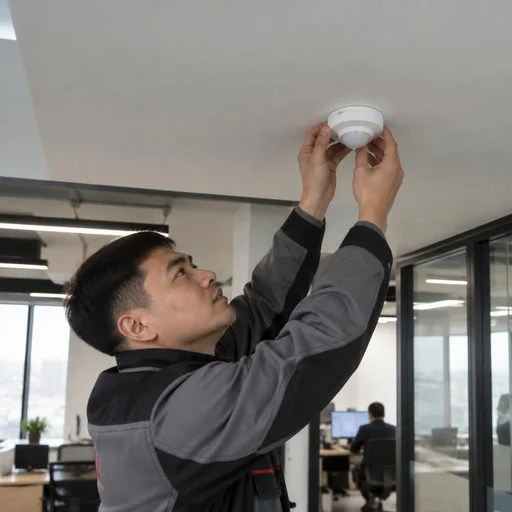
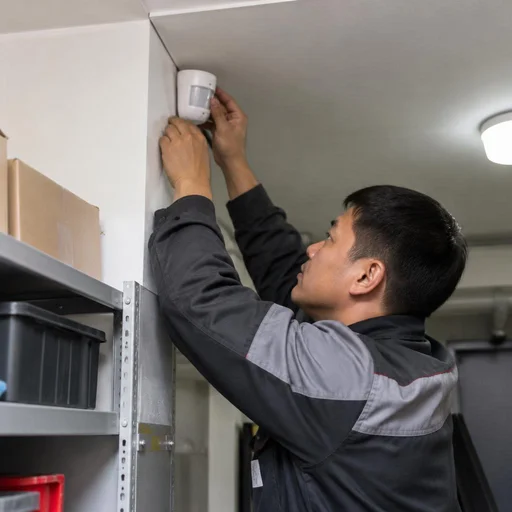
Eco-Service installs surface-mounted sensors on the surface of a wall or ceiling, recessed ones flush with the plane, and ceiling ones with a 360° field of view. The surface-mounted housing is attached directly to the finish with two screws or to a mounting plate; a recessed one requires chasing for a back box and is only suitable during renovation; a ceiling one is mounted in the centre of the room to cover the entire perimeter without blind spots. Installing motion sensors in Bishkek's panel buildings — series 105, 106, 1-464 — is complicated by stretch ceilings, so a mounting block is routed in advance for a ceiling model. A surface-mounted one is easier to replace without refinishing, a recessed one requires chasing and is suitable during renovation — make the decision based on the stage of work, not on price.
Infrared, microwave, ultrasonic and combined: how to choose a technology
An infrared sensor reacts to body heat and does not trigger through walls, a microwave one "sees" movement through obstacles, an ultrasonic one works on wave reflection, and a combined one merges IR and microwave for minimal false triggering. The pyroelectric sensor of an IR model picks up the temperature difference in a 90-110° sector, so it is not placed opposite a radiator or air conditioner; a microwave sensor penetrates drywall and glass, which is convenient in a vestibule but triggers from movement behind the door; ultrasonic models are sensitive to air currents and are rarely used in living rooms. In narrow hallways with niches, a combined sensor pays for itself through the absence of false activations — IR "loses" a person behind a protrusion, while the microwave catches them.
Comparison of motion sensor types by task and conditions
| Sensor type | Where it is used | What to consider during installation |
|---|---|---|
| Surface-mounted | Hallway, staircase, utility room | Mounting on top of the finish, access for replacement |
| Recessed | Rooms under renovation | Chasing, installation before final finishing |
| Ceiling | Halls, offices, large rooms | 360° field of view, ceiling height |
| Corner | Hallway corners, vestibules | Direction of the zone, absence of obstacles |
| Outdoor | Facade, yard, gate | Housing protection from moisture and dust |
| With a light sensor | Entrances, yards, facades | Activation threshold by light level |
Outdoor and wet areas require sensors with housing protection — check the IP rating before ordering, otherwise the installation warranty will not cover failure due to moisture.
Motion sensor installation: mounting methods for your surface
The mounting method depends on the surface material — concrete, brick, drywall or stretch ceiling — as well as on whether a new line is being run or existing wiring is being used. Let's break down each scenario.
How motion sensor installation on a wall and ceiling is carried out
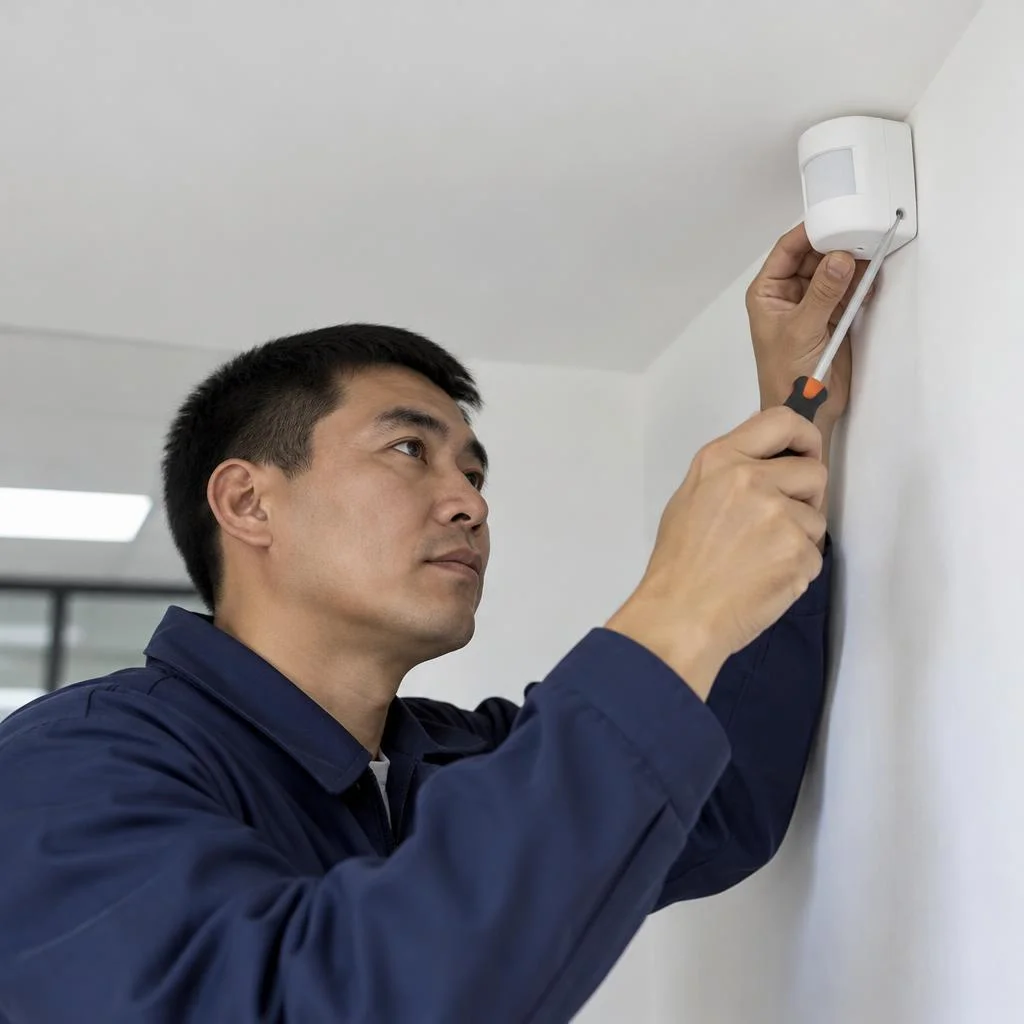
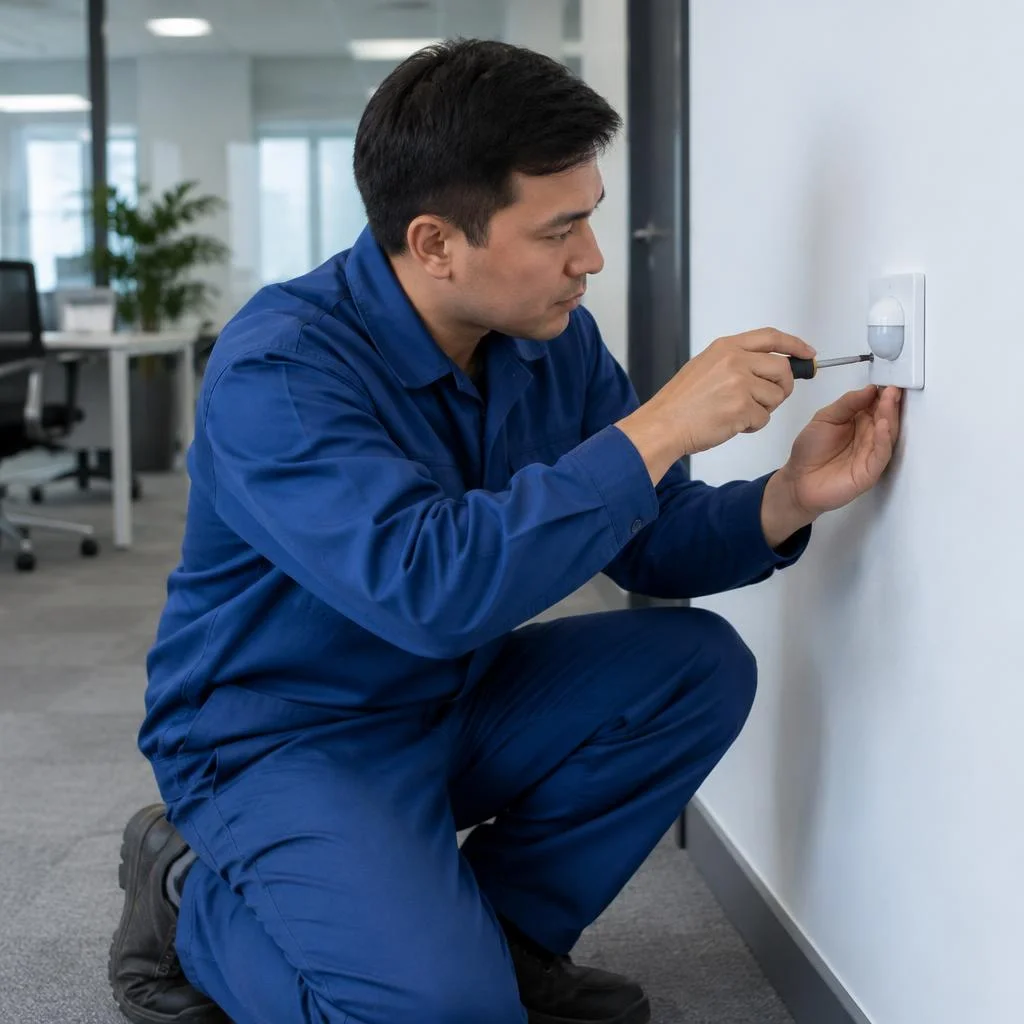
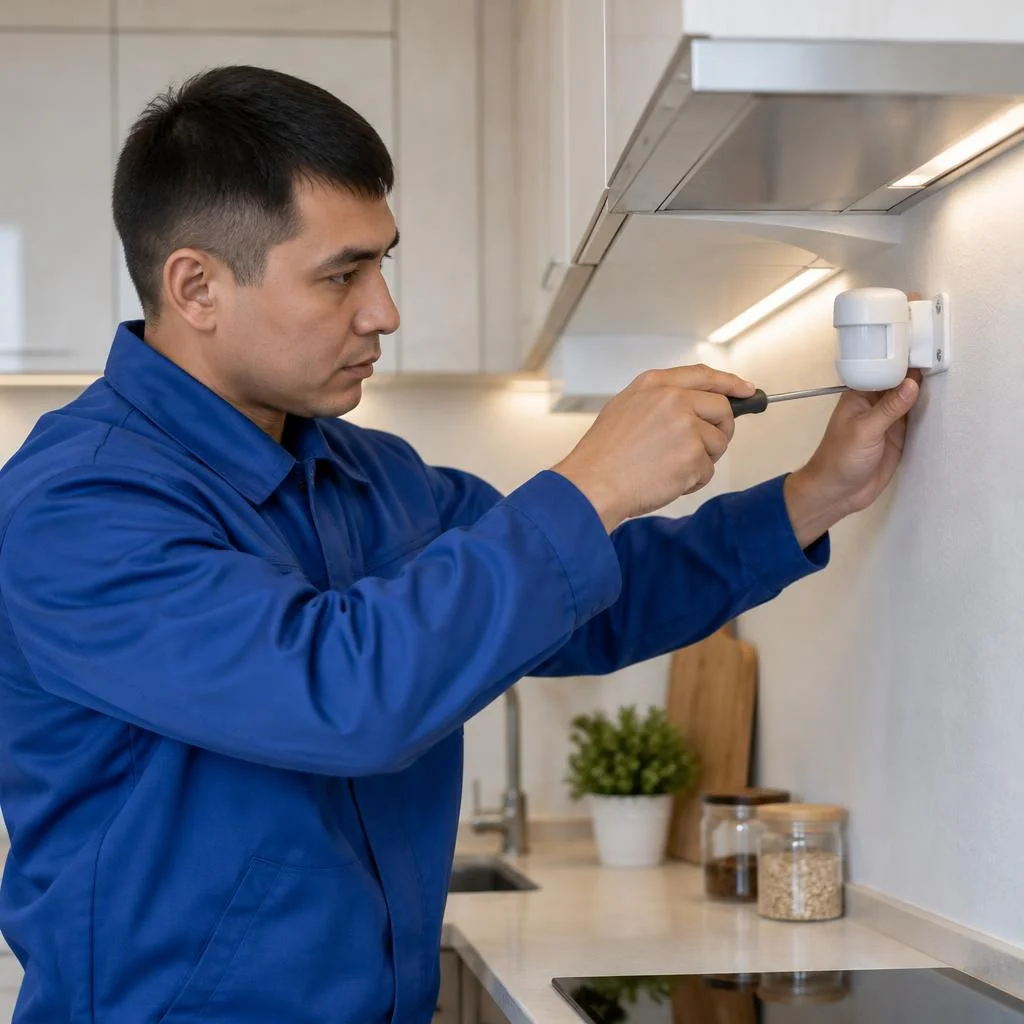
We mount the sensor on concrete, brick, drywall and stretch ceilings: we mark the point, fasten the base, run the line and close the housing. On a concrete wall the base is fixed with a 6×40 dowel, in drywall — with a butterfly dowel or a backing block, in brick — with a wedge or chemical anchor. A surface-mounted housing protrudes 15-25 mm from the plane, a recessed one is set into a 60-68 mm diameter back box. On a stretch ceiling only a surface-mounted or ceiling sensor on a backing is installed — a recessed one is not mounted there, otherwise the ceiling would have to be dismantled for replacement. If there is nothing to fasten to, a backing is installed first, and only then is the sheet stretched. Installing a motion sensor on a finished sheet without a backing ends in sagging — the fastener pushes the film out under its own weight within 2-3 months.
Installation of motion sensors outdoors and in wet rooms
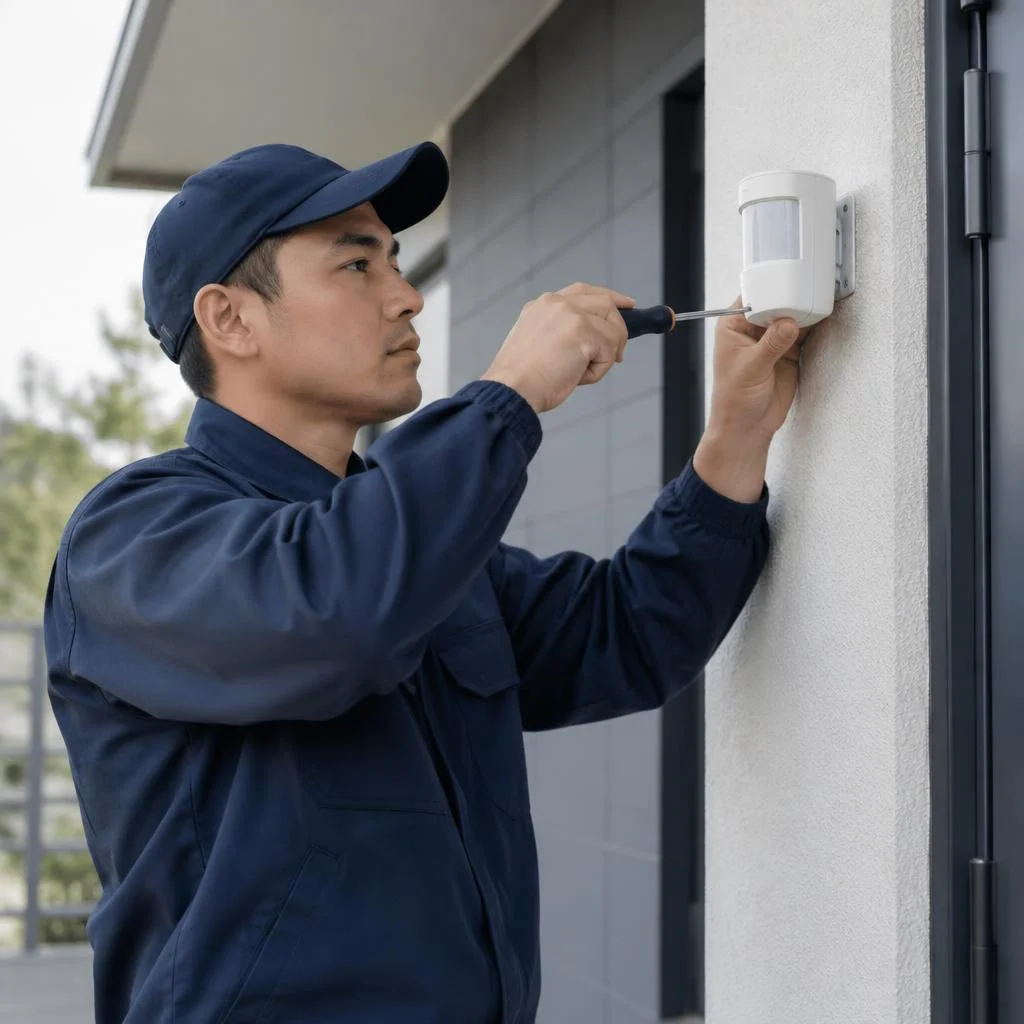
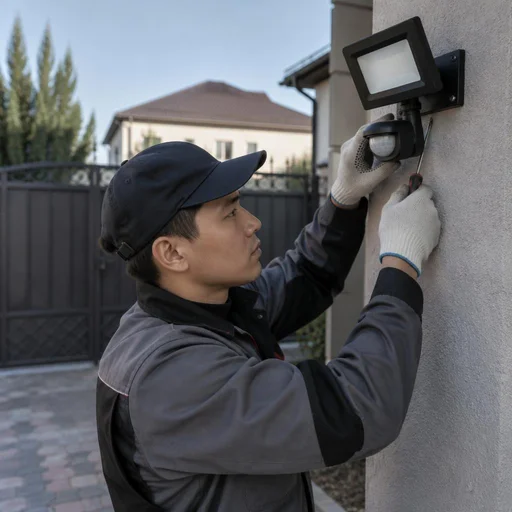
For outdoors and wet rooms we install sensors with a protected housing and seal the cable entry. An outdoor housing has an IP65 rating or higher; for a bathroom and toilet IP44 is sufficient — that is protection against splashes, but not against a jet. The cable entry is sealed with heat shrink or sealant, the entry hole is directed downwards so that water does not flow inside. An infrared motion sensor outdoors works more stably than a microwave one during temperature fluctuations, but tolerates direct sunlight on the lens worse. An outdoor sensor must not be aimed at a road or a neighbouring plot — the zone will trigger on passing cars, and the light will stay on all night. Work in a bathroom requires a separate 10 mA RCD: a wet environment increases the risk of leakage through the housing.
What is included in motion sensor installation at Eco-Service
- Marking the point: an Eco-Service electrician determines the height and angle taking into account the coverage zone and ceiling height.
- Fastening the base: the fastener is selected for the material — a dowel for concrete, a butterfly for drywall, an anchor for brick.
- Running the line: the cable runs in a chase, cable duct or corrugated conduit to the connection point.
- Securing the housing: the sensor is seated on the base, the lens is aimed towards the monitoring zone.
- Checking the sensor operation: a test trigger on movement and a check of the switch-off delay without redoing the finish.
Connecting a motion sensor to a light, panel, and smart home
The sensor can be connected in different ways — directly to a light fixture, through a panel with a separate breaker, to a switch for manual mode, to a relay for high loads, or to a smart home controller. Let's go through each option.
Connecting a motion sensor to a light fixture and switch
At Eco-Service, connection to a light fixture is done directly via phase and neutral, while a lead to the switch preserves manual light control. Installing a motion sensor for a light follows a simple scheme: the sensor breaks the phase wire before the light fixture — the neutral runs through, the phase is connected to the input, and from the output it is taken to the load. This is how surface-mounted and ceiling models work in corridors and bathrooms. If a regular switch is also needed in the room, it is installed in parallel with the sensor via a changeover circuit: then the light turns on automatically by motion or manually. When connecting to a switch, it is important to separate the automatic and manual modes so that the switch does not cut power to the sensor — otherwise it loses its settings every time it is turned off. In practice, we run the sensor's power to a separate terminal, and the switch only switches the light fixture line.
Connecting a motion sensor to a panel and relay
When connecting to a panel, Eco-Service runs a separate line with a breaker, and controls a load exceeding the sensor's capacity through a relay. A separate line from the electrical panel is needed when the sensor serves a group of light fixtures on a floor or in a long corridor: its own 6-10 A breaker is installed in the panel, the cable is run to a junction box, where the circuit is assembled. The relay is an intermediate link between the low-power sensor output and the power load: the contacts are usually rated for 3-5 A, while floodlights, strips, or pumps consume more. If the power of the light fixtures is higher than the sensor's rating, a direct connection will damage it — the relay is installed as an intermediate link. In our practice, outdoor floodlights on poles and storefront lighting most often go through a relay.
Connecting a motion sensor to a smart home controller
We connect the sensor to a smart home controller to link motion with lighting, climate, or alarm scenarios. The scheme differs from a power circuit: the sensor does not switch the light itself, but sends a signal to the controller, which then controls a relay, dimmer, or smart lamp. This is how scenarios like "motion in the corridor — light at 30% at night," "no motion for 10 minutes — turn off the air conditioner," "motion in the yard — notification to Telegram" are built. Installing motion sensors in conjunction with a controller requires a sensor with a dry contact or digital output — a regular power sensor does not send a signal to the controller. Before buying, check the protocol: Zigbee, Wi-Fi, and wired buses require different modules, and an incompatible sensor will have to be replaced entirely. Installation via a controller costs more than a direct circuit, but a single sensor triggers several devices at once.
What to check before connecting a motion sensor
- Output load: add up the power of all light fixtures on the line and compare with the sensor's rated current — a margin of at least 30%.
- Output type: a power contact is suitable for lamps directly, a dry contact or digital output — for a relay and controller.
- Neutral wiring: the sensor needs a neutral to power its electronics, not just a phase and load wire.
- Junction box location: choose a point where it is convenient to service the terminals and replace the sensor without dismantling the finish.
- Manual mode: consider whether to keep the switch — when power is cut, the settings are reset.
Setting up a motion sensor: zone, sensitivity, delay
After installation, the sensor is configured for the specific room: the detection zone is set, sensitivity is adjusted, the light-on time and the light-level threshold are set. Let's go through each parameter and typical mistakes.
Setting up the detection zone and sensor sensitivity
Eco-Service configures the detection zone to match the room's geometry and adjusts sensitivity so that the device does not react to pets and drafts. For a 4-5 meter corridor, a 90° sector is enough; for a stairwell, 180°; for a utility room with a single entrance, a narrow 60° beam is sufficient. Sensitivity is reduced by 20-30% in rooms with an air conditioner or an open window vent: the airflow deflects the membrane, and triggering occurs in vain. In rooms with cats or dogs, the head is turned upward, cutting off the sector below 40-50 cm from the floor. In most household models, the detection zone is adjusted mechanically — with shutters or by rotating the head; there is no software-based sector narrowing in the budget segment, so accuracy depends on the installation location. On a site with a pet, start sensitivity adjustment from the minimum and increase it one step per pass — this way you will find the threshold at which the pet no longer triggers the light.
Setting the switch-off delay and light level
The switch-off delay is set based on the time it takes a person to pass through the zone, and the light level is set based on the threshold below which the sensor turns on. In an entrance hall and on a staircase, 1-3 minutes are set; in a bathroom, 2-5 minutes; in an office corridor, 5-10 minutes: if the interval is too short, the light goes out behind the person walking. Setting the light level is based on lux: for a warehouse, 50-80 lux is enough; for a living room, 100-150 lux; for a hallway, 30-50 lux. Before ordering, many clients ask how the cost of installing a motion sensor is calculated — it consists of the complexity of the cable route, the type of ceiling, and the number of points, not just the price of the device itself. For LED lamps, set the minimum delay with a margin — frequent switching shortens the lamp driver's life more than the device's own service life, and cheap LED models without soft start degrade within 8-12 months of intensive operation.
Checking the motion sensor's operation after setup
- Walking through the zone: walk along the entire length of the sector at different speeds, check triggering at the entrance and exit.
- Switch-off by delay: measure the actual light-on time — it should match the set value within 5-10 seconds.
- Reaction to light level: cover the sensor with your palm or turn on the light — the device should not trigger above the threshold.
- False triggers: observe for 15-20 minutes without movement — drafts and animals should not turn on the light.
- Repeat test: after adjusting the zone, run the check again under the same lighting.
Application scenarios: hallway, bathroom, outdoors, office
Each room requires its own type of sensor and wiring scheme — there is no universal solution. Let's go through the typical cases that residents of Bishkek and owners of commercial properties come to us with.
Motion sensor in the hallway and bathroom
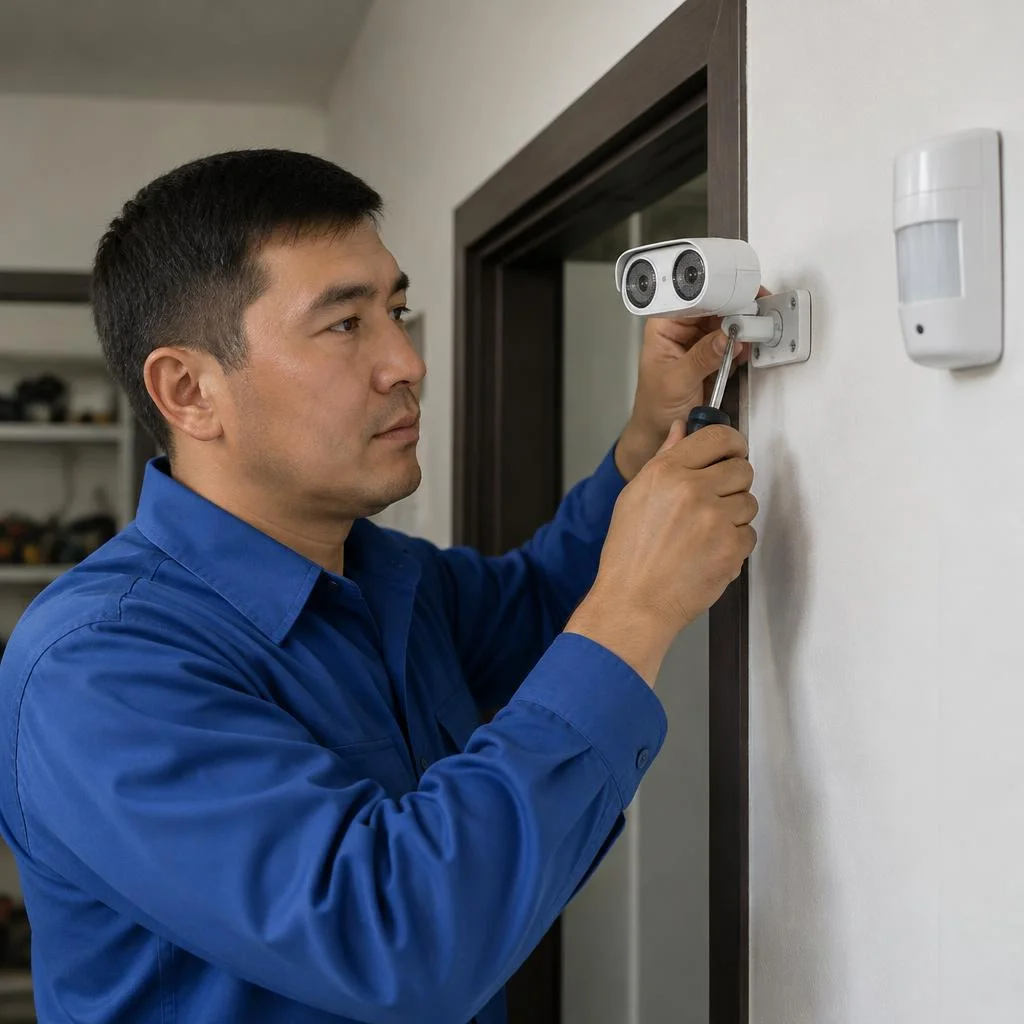
In the hallway we install a surface-mounted or corner motion sensor; in the bathroom, a moisture-resistant infrared motion sensor with a protected housing. The corner model covers an L-shaped passage from the front door to the rooms with a single device; the surface-mounted one is easier to service when there is no access to the ceiling. For the bathroom we use a housing with an IP44 protection rating or higher: an ordinary module oxidizes in damp conditions within 3-4 months. A wet room also dictates the direction of the detection zone — in the bathroom the sensor must not be placed opposite the shower; steam and splashes cause false triggers; the zone is better aimed at the entrance so the light comes on at the threshold. If you need to install a motion sensor in a narrow hallway with alcoves, check the zone coverage before installation — otherwise the light will go out in the far corner.
Motion sensor for outdoors, the yard and gates
For the yard and gates we install an outdoor motion sensor with a light sensor so the light comes on only in the dark, and not during the day when a car drives past. We use a housing with IP65 protection: Bishkek has dusty winds and temperature swings, and a module without sealing accumulates condensation by the first winter. The zone at the gate is set to 8-12 meters so the light comes on before the car pulls up, not after. An outdoor sensor with IR technology does not trigger through glass and fences — if it needs to "see" past an obstacle, choose a microwave one. For a gate with a canopy, a moisture-proof IR sensor is enough; for an open parking area in front of the house, a combined one, where IR detects heat and the microwave detects motion.
Motion sensor in an office and commercial premises
In offices we install ceiling sensors with a 360° zone and connect them to a smart home controller for scenarios based on passage zones: the hallway, meeting room and warehouse operate independently. In an open-plan space, one device covers up to 40 m²; in a server room or archive we install a separate module with a 10-15 minute switch-off delay. Connection to a smart home controller allows the sensors to be linked with video surveillance and climate control: the light comes on based on passage, the air conditioner — based on presence. For commercial properties, clarify in advance whether documents for the completed work are required — this affects the choice of wiring scheme and the set of closing paperwork. Installing motion sensors in passage areas pays for itself because the light is not left on in empty offices.
Warranty, timelines, and how work with Eco-Service is carried out
Installation, connection, and configuration of motion sensors are performed by our own electrician, not a third-party contractor. Below are the warranty terms, the work procedure, and what this gives the customer.
2-year warranty on motion sensor installation
Eco-Service provides a 2-year warranty on the installation, connection, and configuration of a motion sensor. The term covers all types of work from the price list — from surface mounting and ceiling mounting to connection to a smart home controller and configuration of the switch-off delay. The obligation is recorded in the work completion certificate, and a warranty case is processed based on the receipt and certificate without additional conditions. The warranty covers the work itself, but not failure of the sensor itself due to voltage surges in the network — with unstable power supply, it is worth discussing with the technician the installation of a stabilizer or protective relay on the line.
How the work is carried out: from request to inspection
- Request: you describe the site and the task — corridor, bathroom, yard, or office — the technician clarifies the type of surface and the availability of a power line.
- Sensor selection: the electrician selects the technology for the conditions — infrared for dry rooms, microwave or combined for outdoors.
- Visit and installation: the technician brings fasteners and tools, performs installation, connection, and configuration of the detection zone on site.
- Inspection: after configuration, the sensor is tested under real movement, the result is recorded in the certificate, and the final estimate is reviewed with the customer.
- Service center: Eco-Service's own service center in Bishkek accepts warranty claims in person, without shipping equipment to another city.
Why a direct supplier is more advantageous than an intermediary
Eco-Service performs work with its own electricians, without passing the order to a contractor, and therefore is directly responsible for the result. Through the service, you can order the entire cycle — from sensor selection to connection to the panel or controller — and the 2-year warranty is provided by the same organization that performed the installation. When ordering through an aggregator, the warranty is provided by the contractor, not the platform: there is no intermediary to file a claim against. The cost of motion sensor installation here is calculated without the platform's commission, and the price is formed according to the service center's unified regulations. Clients often search for "motion sensor installation price" — and land on this page, where the entire work cycle is visible without hidden markups. If the network is unstable, discuss line protection with the electrician in advance — it is cheaper than replacing a burnt-out sensor.
Conclusion
We have gathered the main things that determine the result of motion sensor installation: choosing the technology for the task, correct installation for the surface, the connection scheme, and precise configuration for the specific room.
Key takeaways
- Device type: chosen by surface, room, and detection technology, not by cost — an infrared sensor in a narrow corridor and a microwave sensor behind a partition behave differently.
- Installation method: surface-mounted, recessed, and ceiling-mounted options differ in base preparation and access for replacement — think this through before chasing walls.
- Connection scheme: to a light fixture, panel, relay, or controller determines how the device controls the load and whether it is compatible with smart home scenarios.
- Configuration: the detection zone, sensitivity, and switch-off delay affect the number of false triggers more than the model and price of the sensor.
- Outdoors and wet areas: housing protection and zone direction are critical — otherwise the sensor triggers on rain, snow, or passing traffic.